The right risk assessment at the worksite — not last year’s PDF
Residual-risk visibility and overdue review flags before high-risk work begins.
Why fleets still struggle
The cost of how it’s done today
When risk assessments live in random folders, the RA used at the job site is often the wrong edition—or missing a review date nobody tracked.
The traditional approach
Word and PDF copies multiply per vessel. Toolbox talks drift away from the hazards scored in the RA. Shore cannot see what is overdue for review.
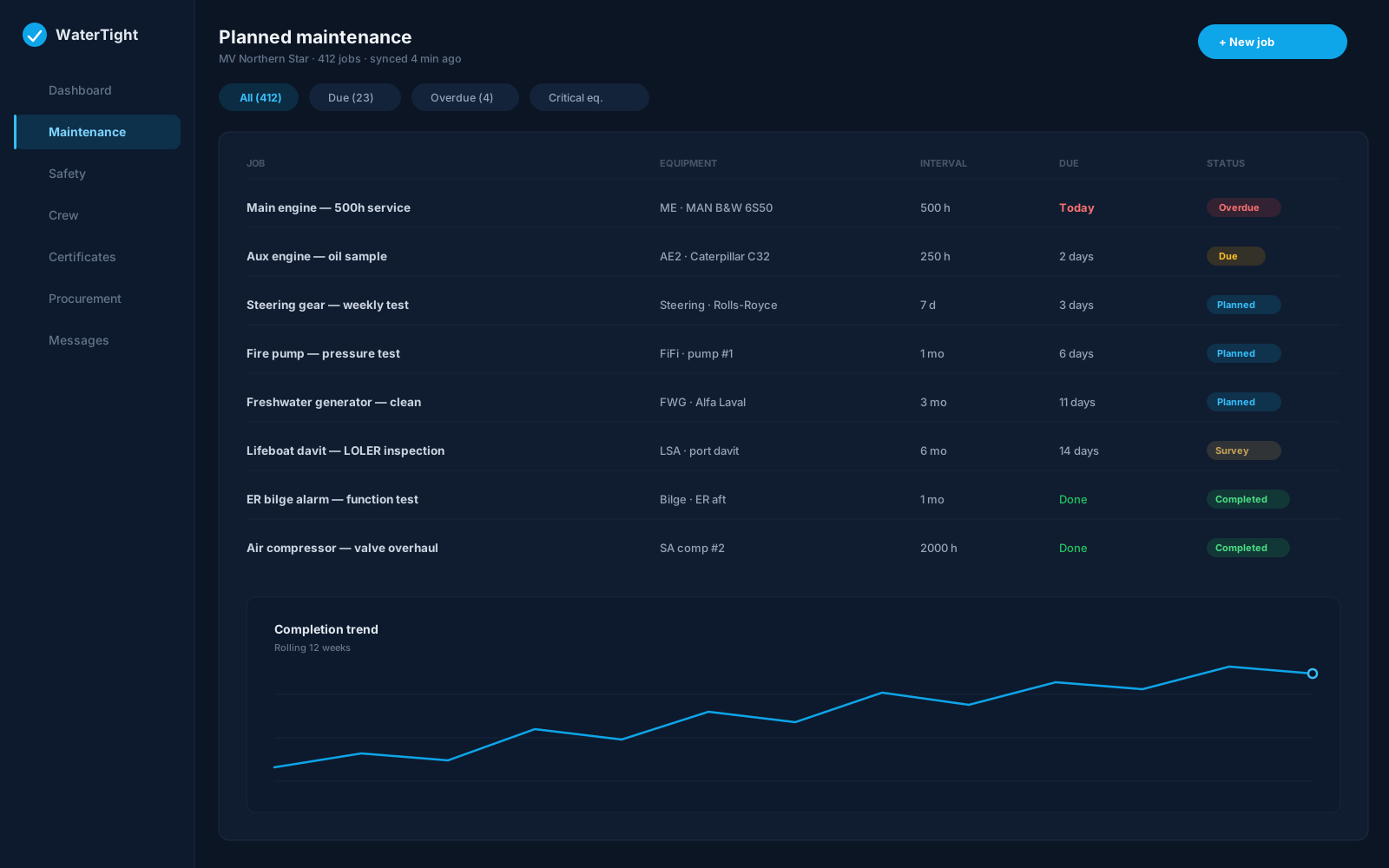
Monday with WaterTight
What changes when this is under control
Maintain a searchable RA library with residual risk, due-for-review filters, and links into toolbox talks and frequent job packs. Crew browse vessel and company RAs from the mobile Docs tab before starting work.
Time back
Due-for-review filters and mobile browse beat hunting shared drives before a job starts.
Less waste
Reuse approved RAs and job packs instead of rewriting assessments from scratch.
Lower risk
Residual-risk visibility and overdue review flags before high-risk work begins.
In the module
How Risk Assessments delivers it
Due for review filter with overdue highlighting
Create new or upload existing assessments (safety_manage)
Toolbox talks tied to RA hazard score thresholds
Frequent Job Packs linking RAs to permits
Mobile Docs → Risk assessments (vessel + company-wide)
Capabilities
- Built-in vs uploaded RA types with next review date
- Print job pack for worksite bundles
- Create and edit RAs typically on web with safety_manage
- Mobile browse needs connectivity (not an offline RA editor)
- Electronic RA is not automatically suitable—review for the actual job
- Stop and revise if conditions differ from the assessment
Ship to shore
How the work moves
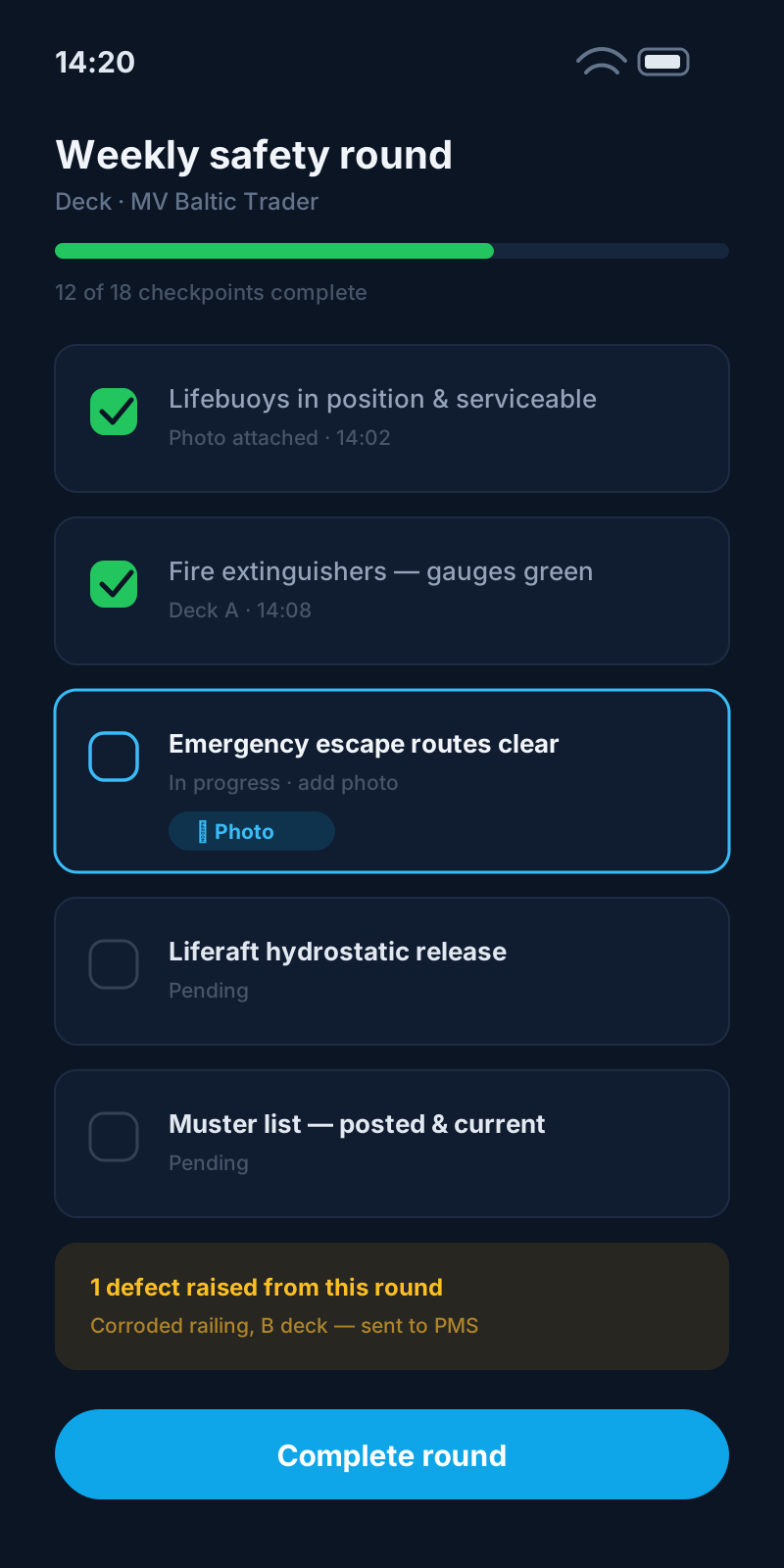
- Safety officer publishes or uploads an approved RA
- Crew open the current RA on mobile Docs before the job
- RA links into toolbox talk and PTW job pack
- Due-for-review flags trigger renewal before high-risk work
Regulatory alignment
Customers remain responsible for regulatory compliance. WaterTight is the operational system of record.
Questions before you commit
Can crew view risk assessments on phones?
Yes. The crew app Docs → Risk assessments shows vessel and company-wide RAs with next review dates. Creating and editing is typically done on the web.
Is a risk assessment the same as a permit?
No. Confirm controls on site and complete the permit to work separately under Job Safety Doc's.
Who maintains RA templates?
Structure, create, and upload actions typically require safety_manage write. Completing associated work still follows rank and SMS rules.
What if conditions change mid-job?
Stop, revise or escalate per your SMS. The digital RA does not make an assessment suitable if the job has changed.
Related solutions
Bring this pain to a demo
We’ll walk risk assessments for Safety Officer and Chief Engineer on a sample vessel — so you can judge the fit, not sit through a feature tour.