Profile & certificates
Crew profile and certificate records download to the device so expiry dates and ranks are available without signal.
Satellite gaps and port Wi‑Fi are normal at sea. WaterTight lets crew prepare operational data ashore, execute jobs and inspections offline, and replay changes automatically when the vessel reconnects.
Three steps your crew already understands — no special IT setup on the vessel.
Enable Prepare for offline in the crew app settings, then download while you have Wi‑Fi or 4G. The app pulls jobs, rounds, profile, and tasks in one pass.
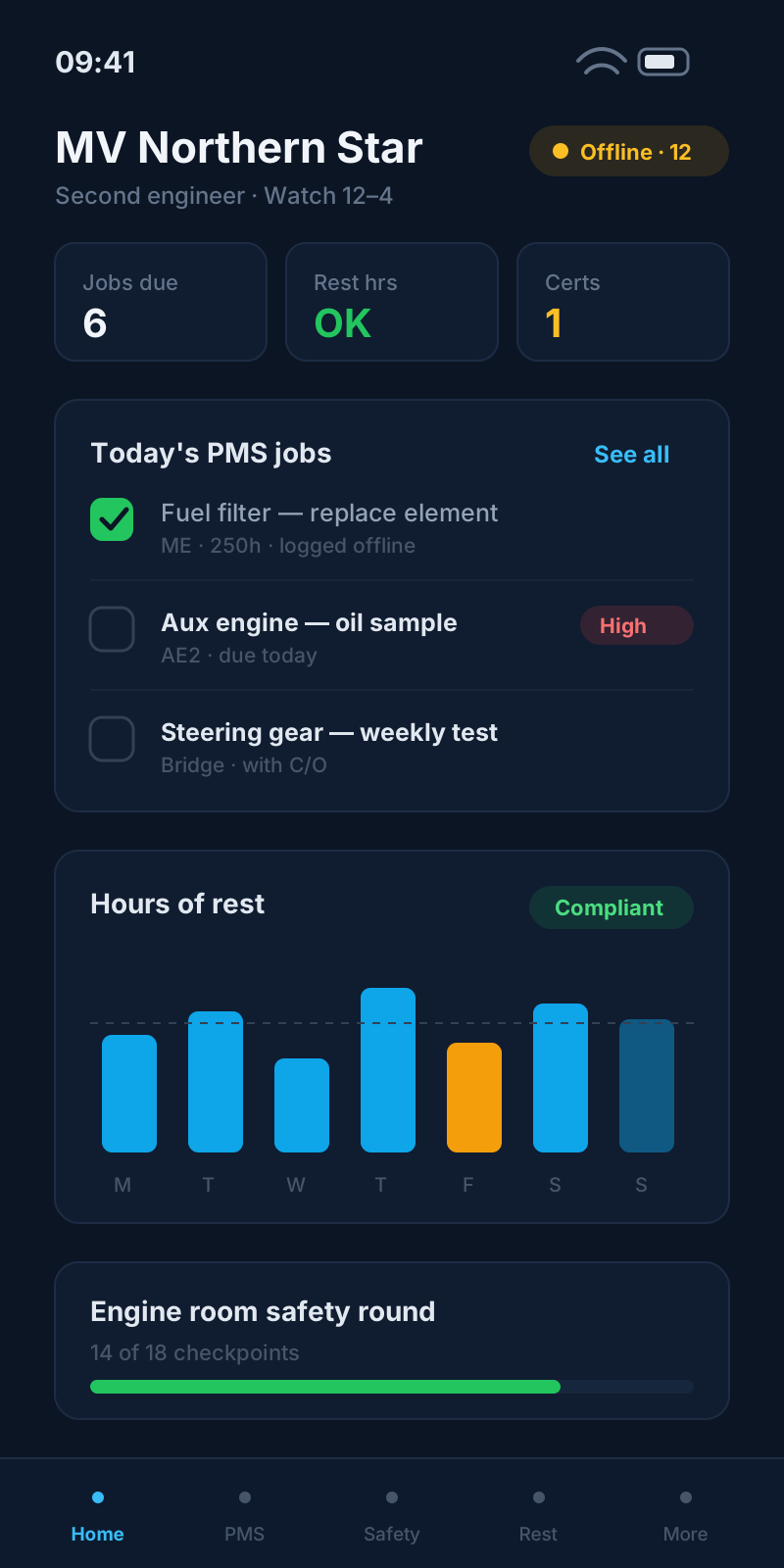
Execute PMS, complete inspections, record hours of rest, and update certificates. The header shows offline status; changes are stored on device.
When signal returns, queued actions replay automatically. Open **Sync Center** on My Vessel or in the crew app to see what uploaded, what conflicted, and what needs retry.
While connected in port, the crew app pulls a focused bundle of data you need for the voyage — not the entire fleet database. Job media and large attachments are stripped to keep downloads fast and storage reasonable on personal devices.
Toggle Prepare for offline in Settings, tap prepare, and watch progress for profile, PMS lists, job details, rectification tasks, and safety round templates.
Crew profile and certificate records download to the device so expiry dates and ranks are available without signal.
Trip and overdue job lists plus job detail packs (checklists, spare parts, sign-off fields) for up to fifty active jobs.
Vessel zones, inspection templates, and round data cached for safety officers completing COSWP-aligned rounds.
Weekly round structure and vessel context stored locally so the Master can complete rounds away from Wi‑Fi.
Open findings from zone and master inspections, plus ad-hoc PMS tasks assigned to you or your rank.
Writes are saved locally first, then replayed in a sensible order when sync runs — maintenance execution before profile tweaks, for example.
Complete PMS jobs, tick checklists, record readings, and sign off — queued until the vessel reconnects.
Related module →Job-linked checklists save locally and replay in order when sync runs.
Related module →Edit or confirm work/rest segments for a day offline; the full day payload syncs on reconnect.
Related module →Zone inspection and Master weekly round submissions queue with your vessel context intact.
Related module →Close out assigned rectification tasks and ad-hoc jobs from the mobile app while offline.
Related module →Update contact details or certificate metadata; changes merge when back online.
Related module →Log voyage events from the deck log on mobile; events replay to the server after sync.
Related module →Compose messages while disconnected; sends are queued until connectivity returns.
Related module →Fleet managers work online from the company dashboard. Seafarers face the connectivity gap — so WaterTight’s offline story is the crew app on board: prepare in port, execute at sea, sync when the ship gets signal again. Optional ship-local continuity can keep a vessel node in sync with shore when the office link is down — it is not required for crew-app offline.
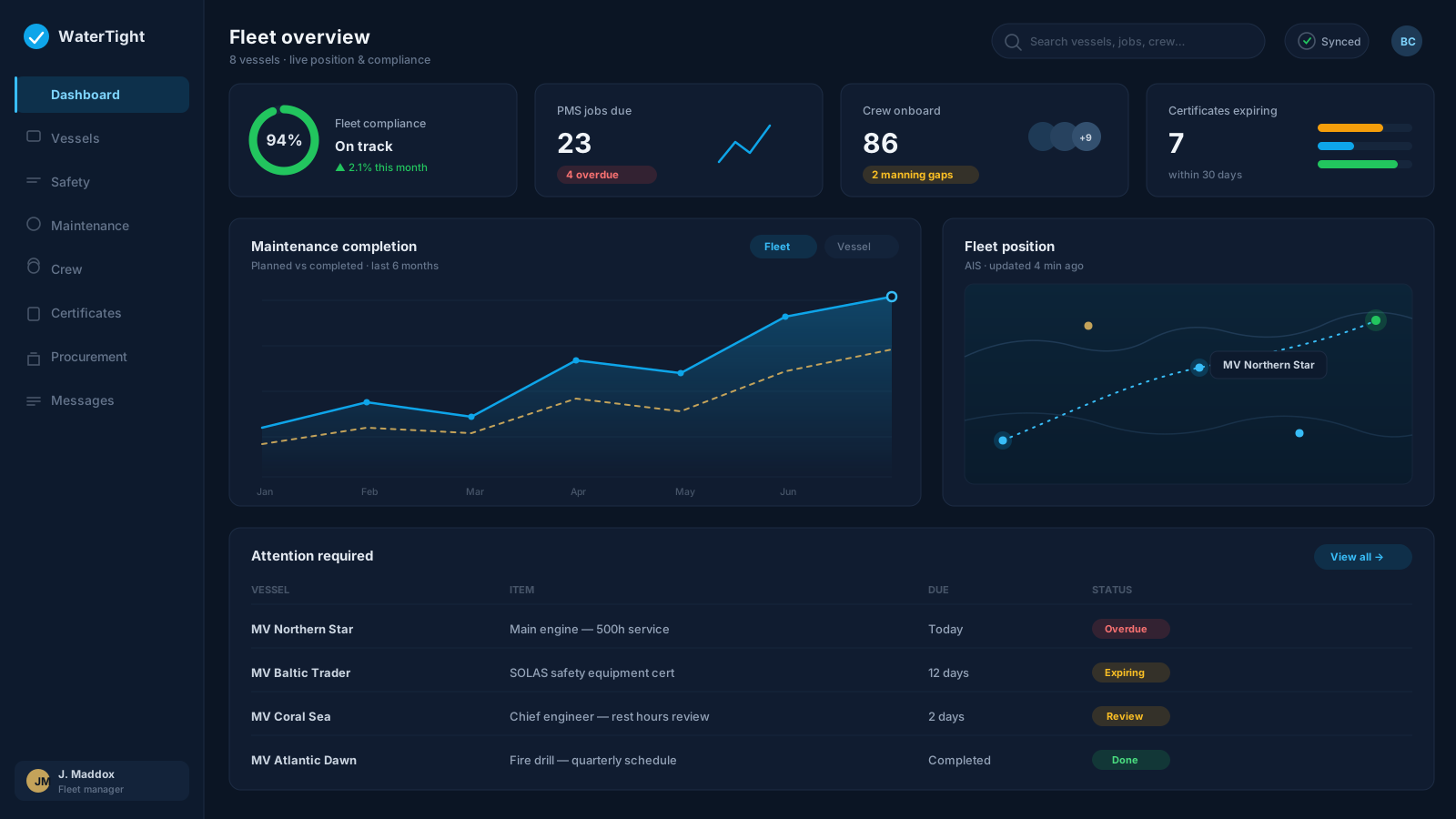
Crew complete PMS and inspections once, digitally — not twice on paper and again in the office.
Queued actions keep timestamps and idempotency keys so replay is safe and traceable after reconnect.
Clear offline banners, prepare status, and post-sync notifications — no silent data loss.
We will walk through prepare, PMS execution, and sync on a demo vessel profile.